
SIMPLER · FASTER · ONLINE
All your sounds.All your tools.Simply.
Convert, cut, compress, and edit your audio files
directly in your browser. Free, fast, and secure.

22
online tools
100%
no installation
Free
to get started
Secure
your files stay private
AUDIO TOOLS
The audio tools
most used.
Compress an audio fileReduce the size of an audio fileCut an audio fileKeep only a sectionConvert an audio fileMP3, WAV, M4A, or OpusMerge audio filesJoin tracks end to endWaveform imageDraw the sound as a PNGExtract audio from a videoGet the soundtrack as MP3Normalize the volumeEven out the sound levelChange the speedSpeed up or slow downEqualizerBass, mid, and trebleMono or stereoChange the number of channelsCensor a sectionBeep or silence over a sectionAnalyze an audio fileDuration, bitrate, sound level, format
CATEGORIES
A tool for
every need.
Powerful, accessible tools for your audio files
: convert, cut, merge, normalize, and more.
FAST AND EASY
Results
in just a few clicks.
No installation. No account required.
Choose a tool, add your file,
and you're done.
MP3
WAV
M4A
OGG
FLAC
…
WHAT MAKES THE DIFFERENCE
100 %
In the browser
22
Audio tools
0
File uploaded
0 €
No sign-up required
THE AUDIO EDITOR
Open, cut, mix.
Right in your browser.
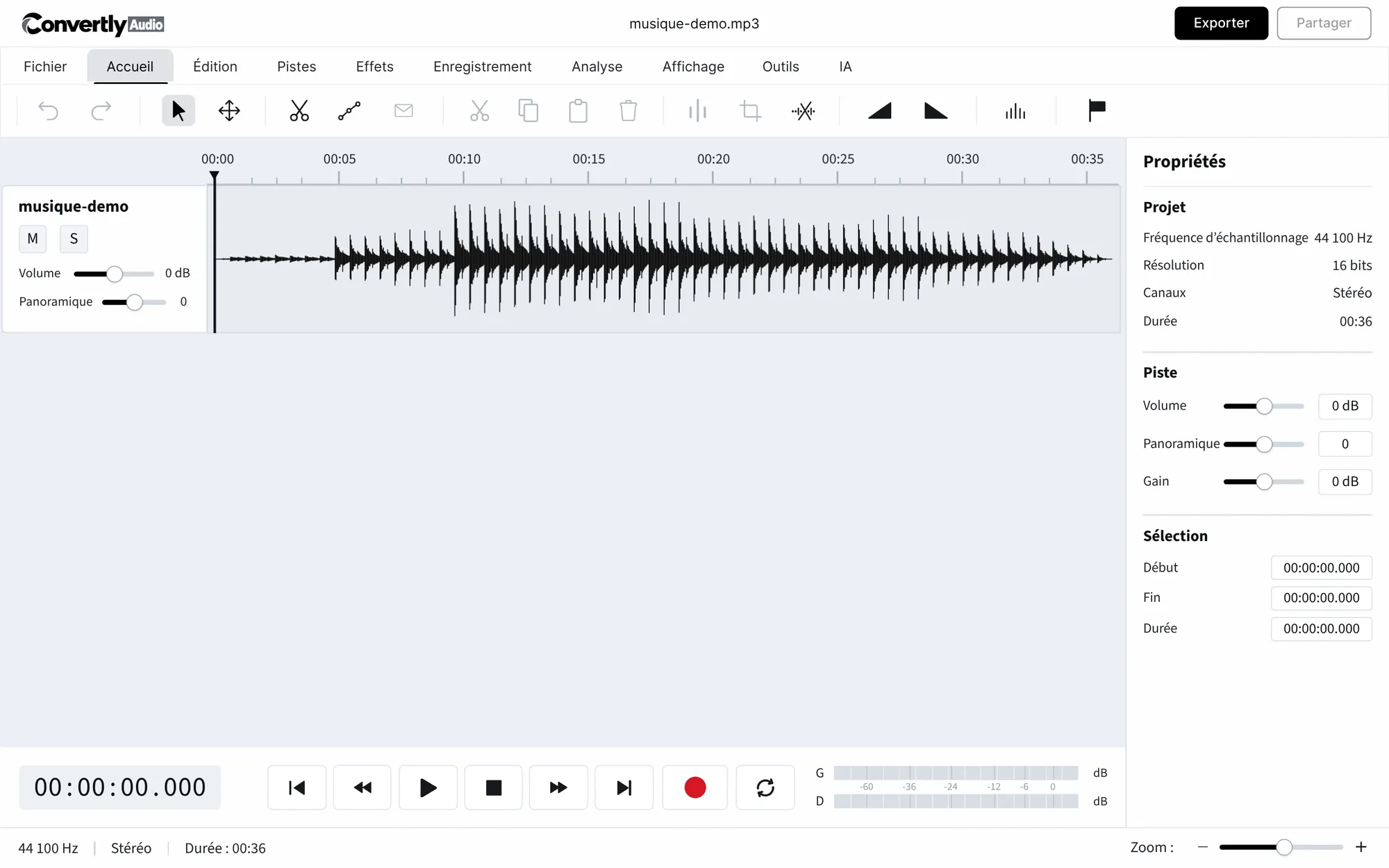
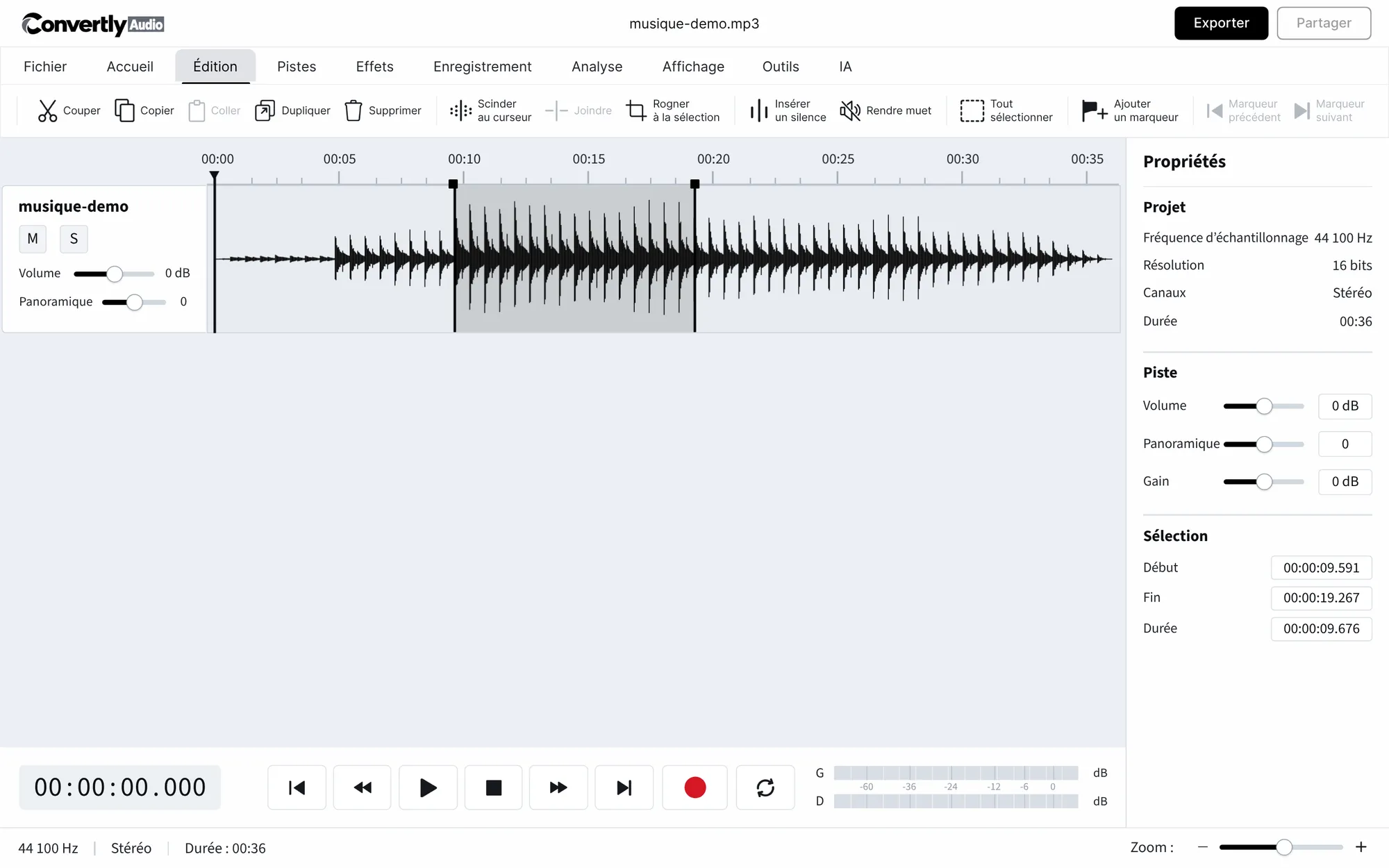
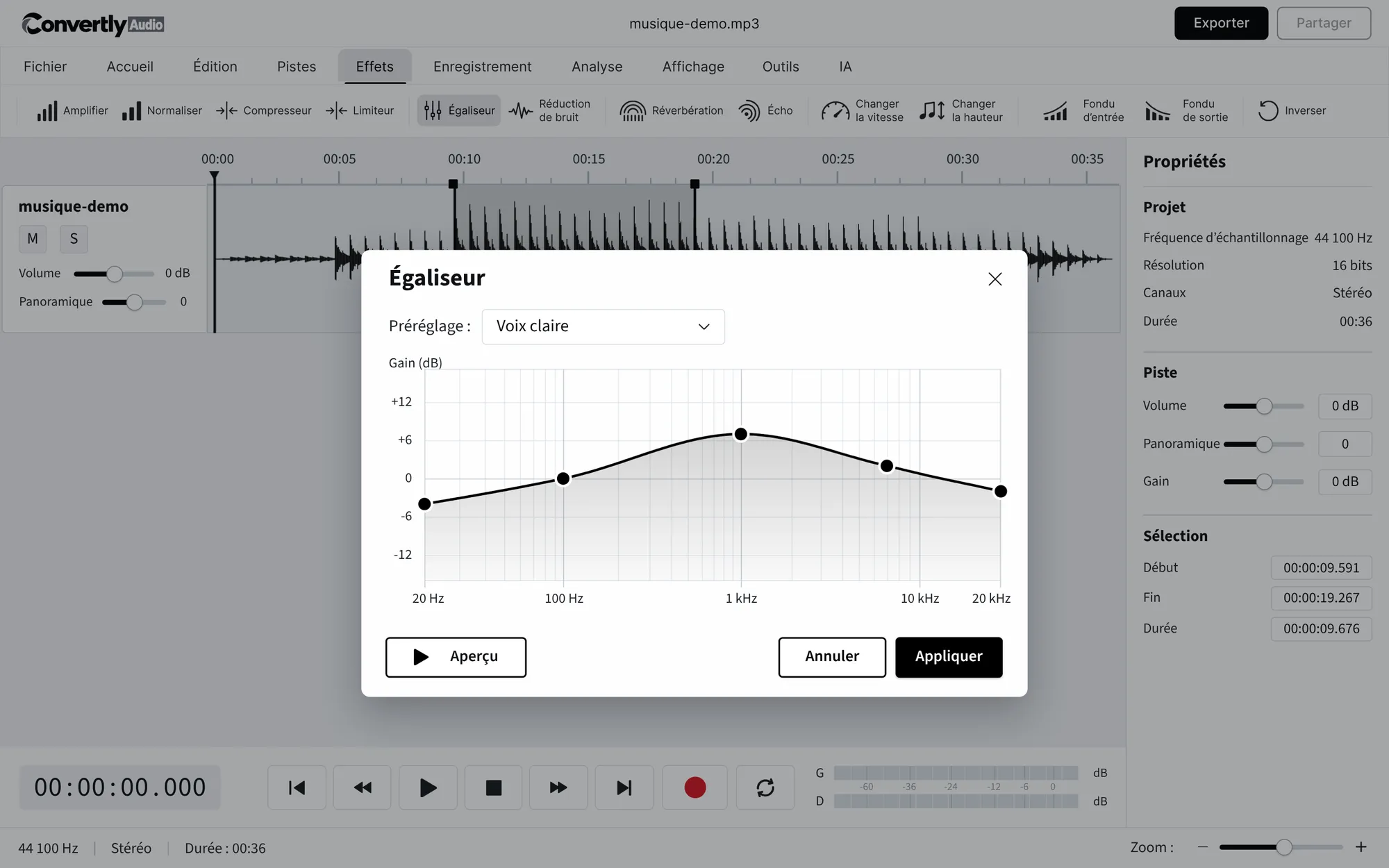
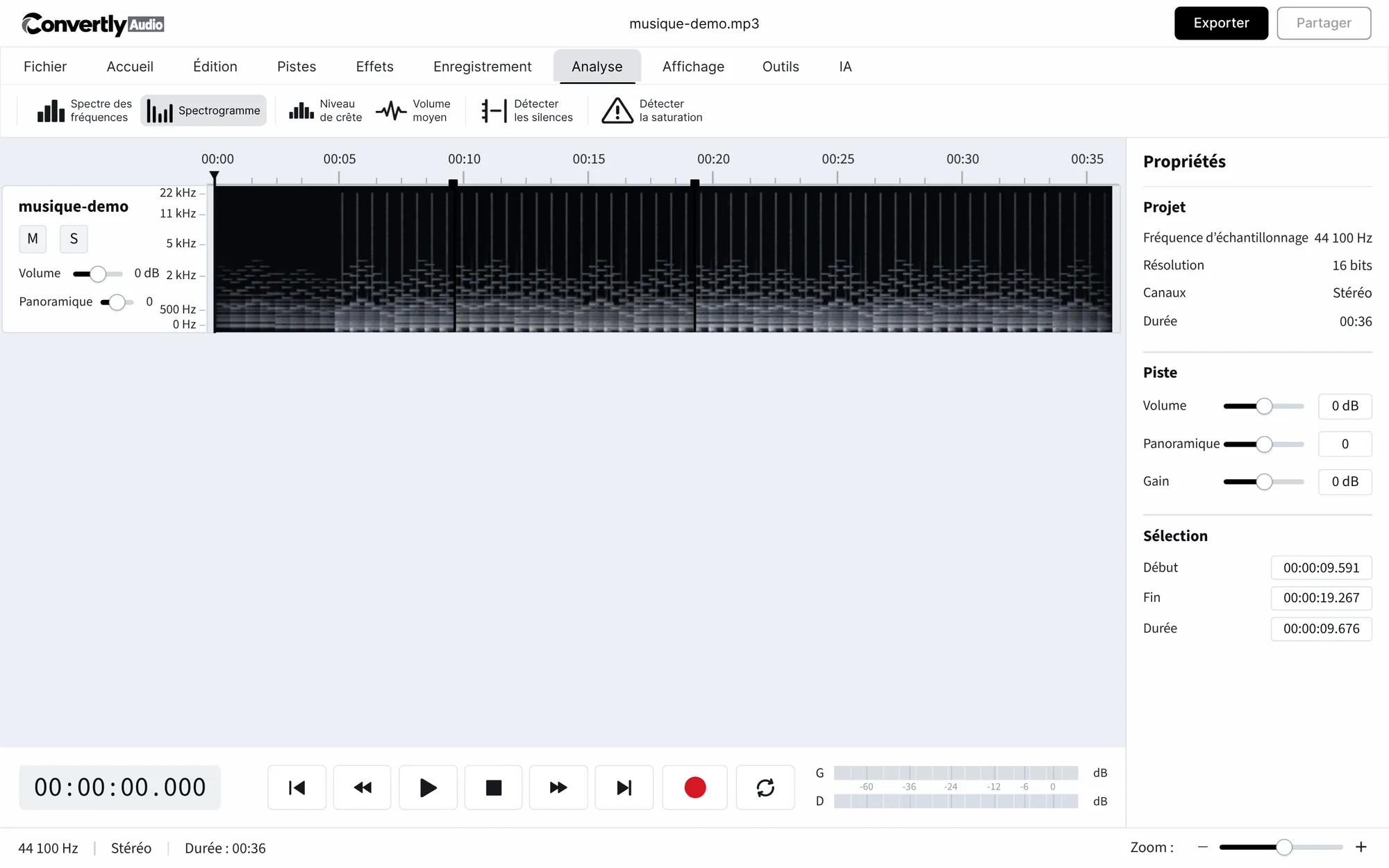
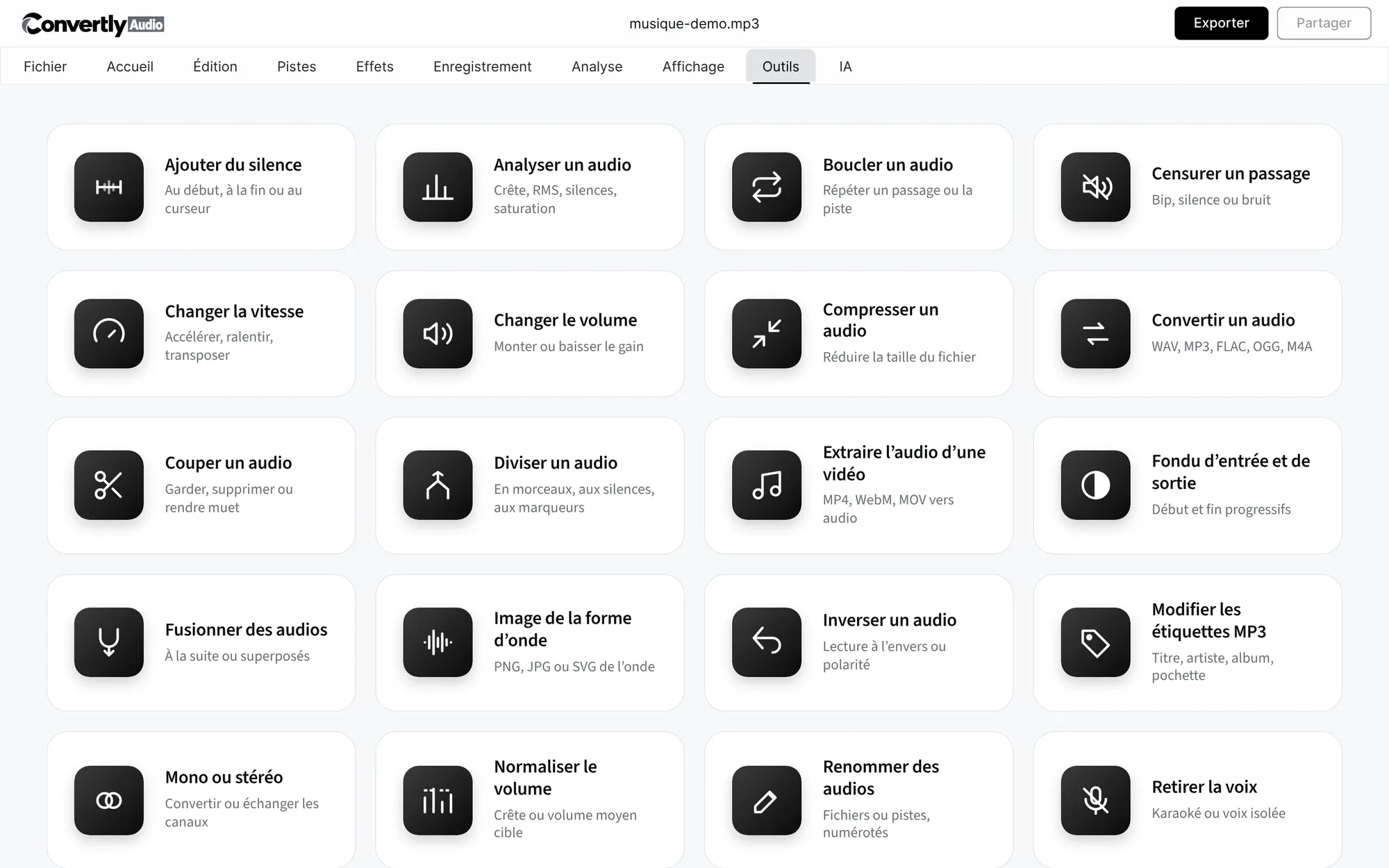
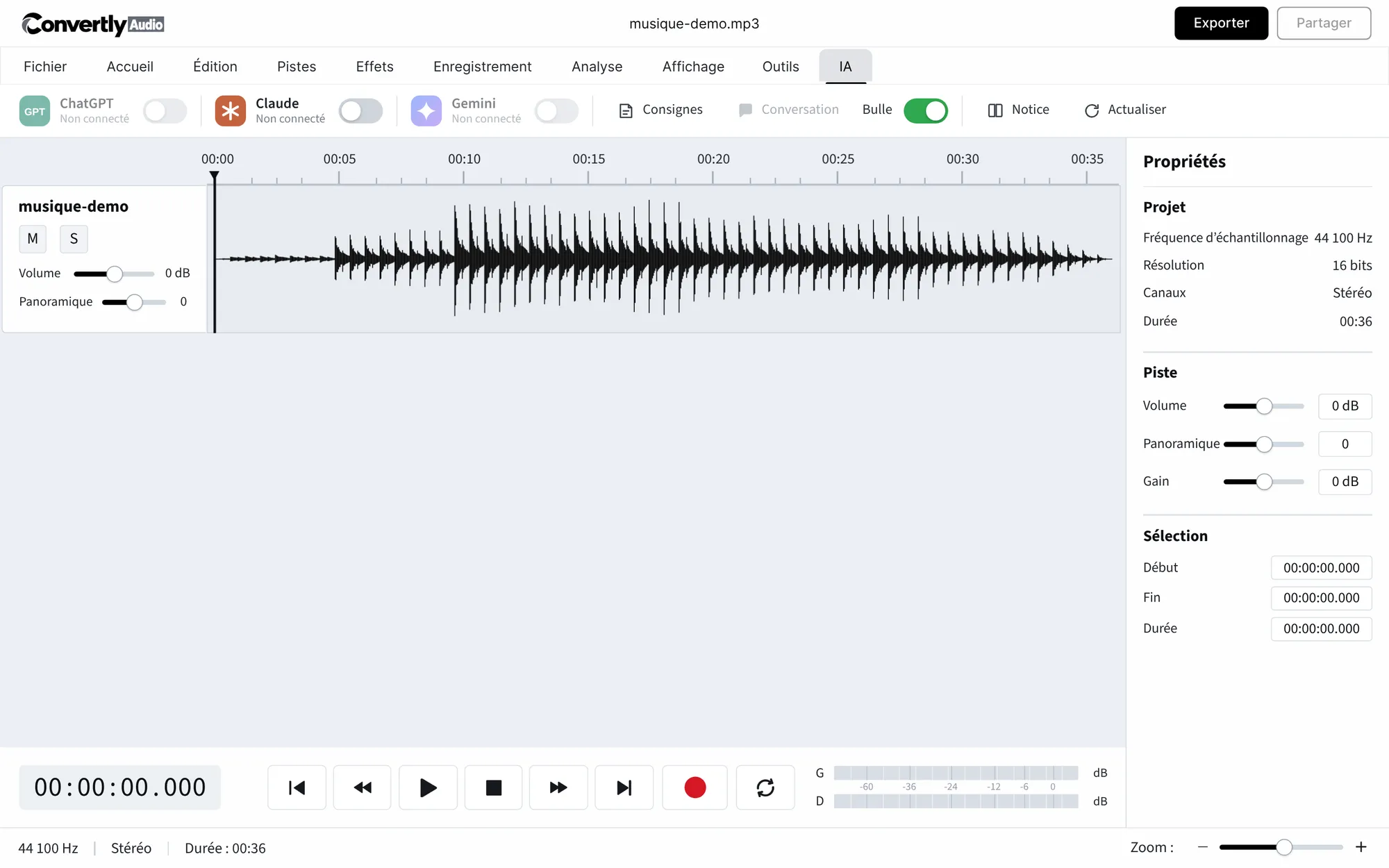
Open your audio and see its waveform, duration and channels.
THE CONVERTLY FAMILY
Your other files
too.
 Convertly PDF49 toolsCompress, merge, split, convert, sign and protect your PDFs.convertly-pdf.com
 Convertly Picture25 toolsCompress, resize, convert, blur and edit your images.convertlypicture.com
 Convertly Docs36 toolsCompress, merge, convert, sign and protect your Word documents.convertlydocs.com
 Convertly Video24 toolsCompress, trim, convert, join and edit your videos.convertlyvideo.com
 Convertly Slide45 toolsConvert, merge, split and compress your PowerPoint presentations.convertlyslide.com
 Convertly Sheets43 toolsConvert, clean, merge and analyze your Excel and CSV files.convertlysheets.com
 Convertly Texte30 toolsCount, transform, clean and analyze your text.convertlytext.com
 Convertly Colors53 toolsGenerate palettes, convert colors, check WCAG contrast and much more.convertlycolors.com
 Convertly Epub32 toolsSplit, format, correct and export your EPUB books.